


|
Name |
Clone Master |
|---|---|
|
Google Play Link |
GET IT ON
Google Play
|
|
Category |
Tools |
|
Developer |
CM Division |
| Last version | 2.7.9.10 |
|
Updated |
|
|
Compatible with |
Android 7.0+ |
Introduction to Clone Master MOD APK
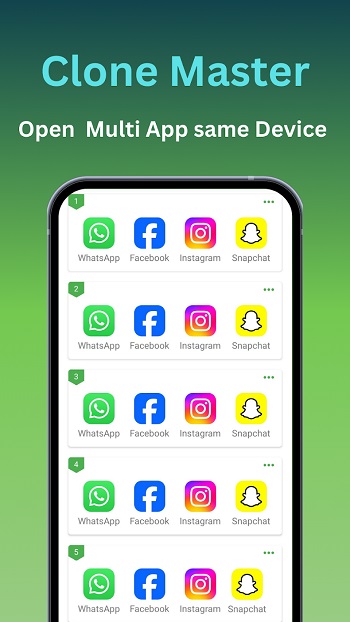
Clone Master MOD APK is a mobile utility app built for Android users who want to run multiple copies of the same application on one device. It focuses on app cloning and account separation, so you can log into several accounts for chat, social media, games, or work tools without logging in and out all day. It works like a parallel space manager that creates isolated app instances.
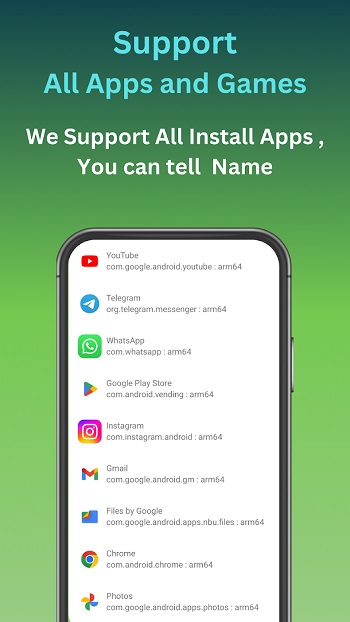
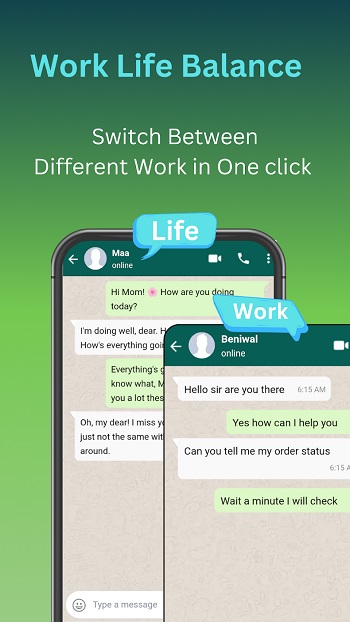
The main purpose of this app is account duplication and workspace separation. You can clone messaging apps, social platforms, streaming apps, and even some Google services. Each clone runs independently, with its own data and login session. That makes it useful for people who manage personal and business accounts side by side on a single phone.
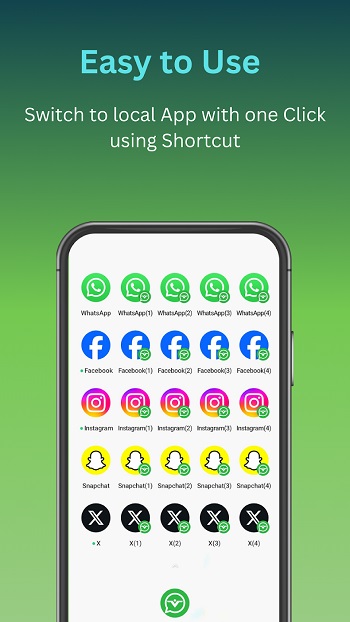
Clone Master MOD APK supports multi-app cloning with quick setup and simple controls. You pick an app, create a copy, and the system builds a separate container for it. Cloned apps can have different icons and names, which helps you tell them apart on the home screen. The tool is designed to work on newer Android versions and aims to keep cloned apps stable and responsive.
Privacy and data isolation are big parts of how it works. Each cloned app keeps its own storage and account data, separated from the original version. This setup helps reduce mix-ups between profiles and limits cross-access between work and personal accounts. There are also optional privacy modes for cloned spaces, which add another layer of control.
There are clear advantages here for social media managers, freelancers, gamers with multiple profiles, and anyone juggling two or more accounts in daily use. It saves time, reduces repeated logins, and keeps workflows organized. You also don’t need root access, which lowers the barrier for regular users.
There are still some limits to keep in mind. Not every app supports cloning perfectly, especially those with strict security checks. Cloned apps may use extra battery and storage since each copy runs in its own environment. Notifications can also behave differently depending on the device’s system settings.
FAQs Clone Master
What does Clone Master MOD help users do on Android?
+
It lets users create cloned copies of installed apps so they can run multiple accounts at the same time with separate data and logins.
How does Clone Master MOD handle account data between cloned apps?
+
Each cloned app runs in an isolated space, so its files, settings, and login details stay separate from the original app.
Which types of apps work best with Clone Master MOD?
+
Messaging, social media, and some game and streaming apps usually work well, while high-security apps may block cloning.
Does Clone Master MOD require root access on the device?
+
No, it uses a virtual container method, so most users can clone apps without rooting their phones.
Who should use Clone Master MOD the most?
+
People managing multiple social, work, or gaming accounts on one device will find it the most practical.
Discover More Interesting Apps
-

PDF Editor
v6.2.2
61.31 Mb
Updated -
Panda Mouse Pro
v11.2
12.00 MB
Updated -
Mod
LTE Discovery
v7.5.1
27 MB
Updated -
iGOT Karmayogi
v4.2.28
40.06 Mb
Updated -
Mod
Panda Gamepad Pro
v11.2
12.00 Mb
Updated -
Mod
Remote Mouse Pro
v5.314
59.28 Mb
Updated -
Mod
Spatial Touch
v1.2.10
163.58 Mb
Updated -
DITO APP
v2.12.04
75.18 Mb
Updated -
VPN.lat
v3.9.44
46.77 Mb
Updated -
Mod
Jump Jump VPN
v3.3.0
426.00 Mb
Updated










Share Your Thoughts